Private image tools, together.
Resize, crop, convert, blur, compress, rotate, watermark, and create memes without uploading your images.
Try it yourself
Three checks you can reproduce
These original sample graphics were generated for this site and processed through the same image functions as the tools. Your image and browser will produce different byte sizes.
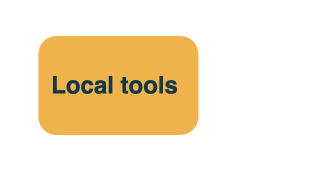
A smaller PNG with transparency
This graphic has a transparent background. Resize from 640 × 360 to 320 × 180, keep PNG selected, then check the transparent corners in your image viewer.
- Source
- 640 × 360 PNG · 14,136 bytes
- Result
- 320 × 180 PNG · 6,081 bytes
Measured 2026-10-21 in Chromium 153.0.8010.12. Canvas re-encodes the output.
Download sample · Download result · Try this tool
Two shapes, one target width
Set width to 150 with aspect lock on. The landscape becomes 150 × 75; the portrait becomes 150 × 300. Sizes below total the two files. The images keep their proportions.
- Source
- 600 × 300 + 300 × 600 PNG · 231,312 bytes
- Result
- 150 × 75 + 150 × 300 PNG · 40,424 bytes
Measured 2026-10-21 in Chromium 153.0.8010.12. Canvas re-encodes the output.
Download sample · Portrait sample · Download result · Portrait result · Try this tool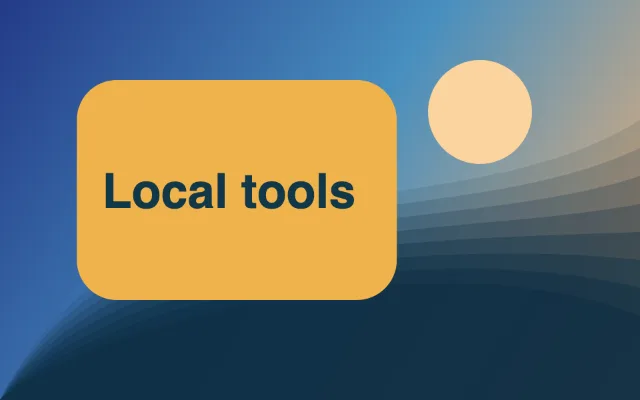
A lighter publishing copy
This colorful illustration is original generated artwork, not a photograph. Export at 640 × 400 as WebP, quality 82%. Compare edges and lettering before choosing it for your own site.
- Source
- 960 × 600 PNG · 353,456 bytes
- Result
- 640 × 400 WebP · quality 82% · 7,552 bytes
Measured 2026-10-21 in Chromium 153.0.8010.12. Canvas re-encodes the output.
Download sample · Download result · Try this tool